 Biombo
iPhone Duo Postures Explained: Tent, Laptop and Book Mode
Updated
iPhone Duo has a large inner display and a smaller cover display, joined by a hinge in the middle. Besides closed and fully open, Apple's design guidelines describe holding it partially folded like a book, setting it down on a surface, and standing it on its edges. Owners and apps tend to call these book mode, laptop mode and tent mode, and each one suits a different kind of use.
Closed: the cover display
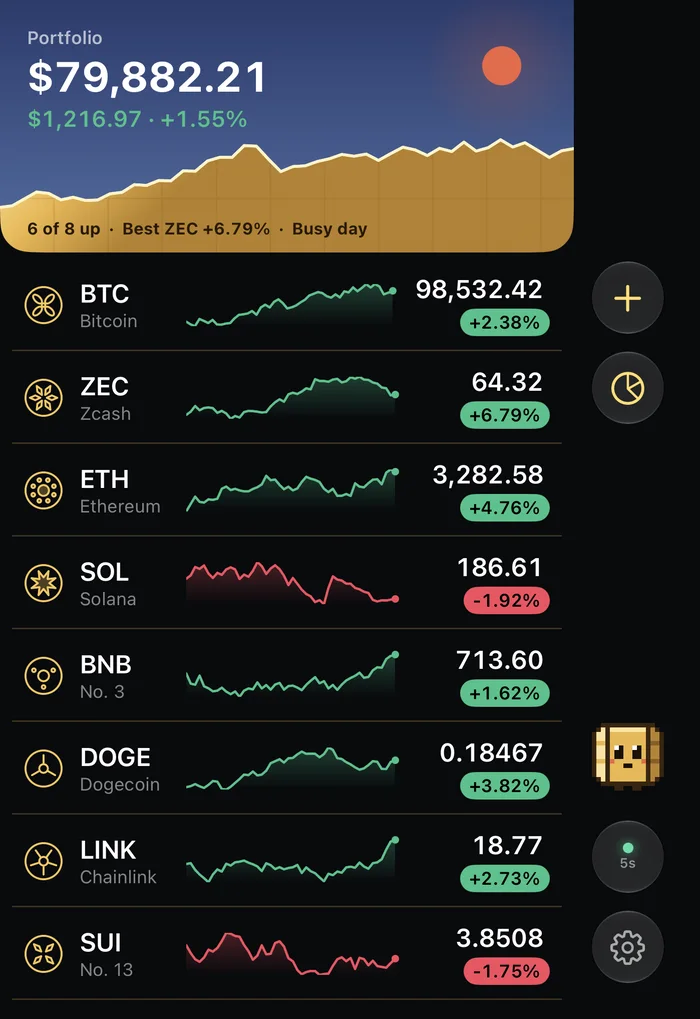
With the phone closed you use the outer display, usually called the cover display. It's wider and shorter than the screen of other iPhones, so iOS moves toolbars and tab bars to the side of the screen to leave more height for content. The outer front camera sits in a corner and is always visible.
This is the posture for quick checks: messages, a timer, the next train, a price. Apps that are built for iPhone Duo fill the cover display with the one thing you want to see and keep the rest a tap away.
Open flat: the inner display
Open the phone all the way and you get the inner display, the largest canvas on the device. Apple's guidance is that apps should show another level of detail here rather than just scaling up. Mail is the example Apple uses: closed it shows the list or one email, open it shows both side by side.
In landscape, the controls stay on the side, so they don't jump around as you go from the cover display to the inner one. In portrait the inner display has enough height for regular top and bottom bars.
Book mode: partially folded, held like a book
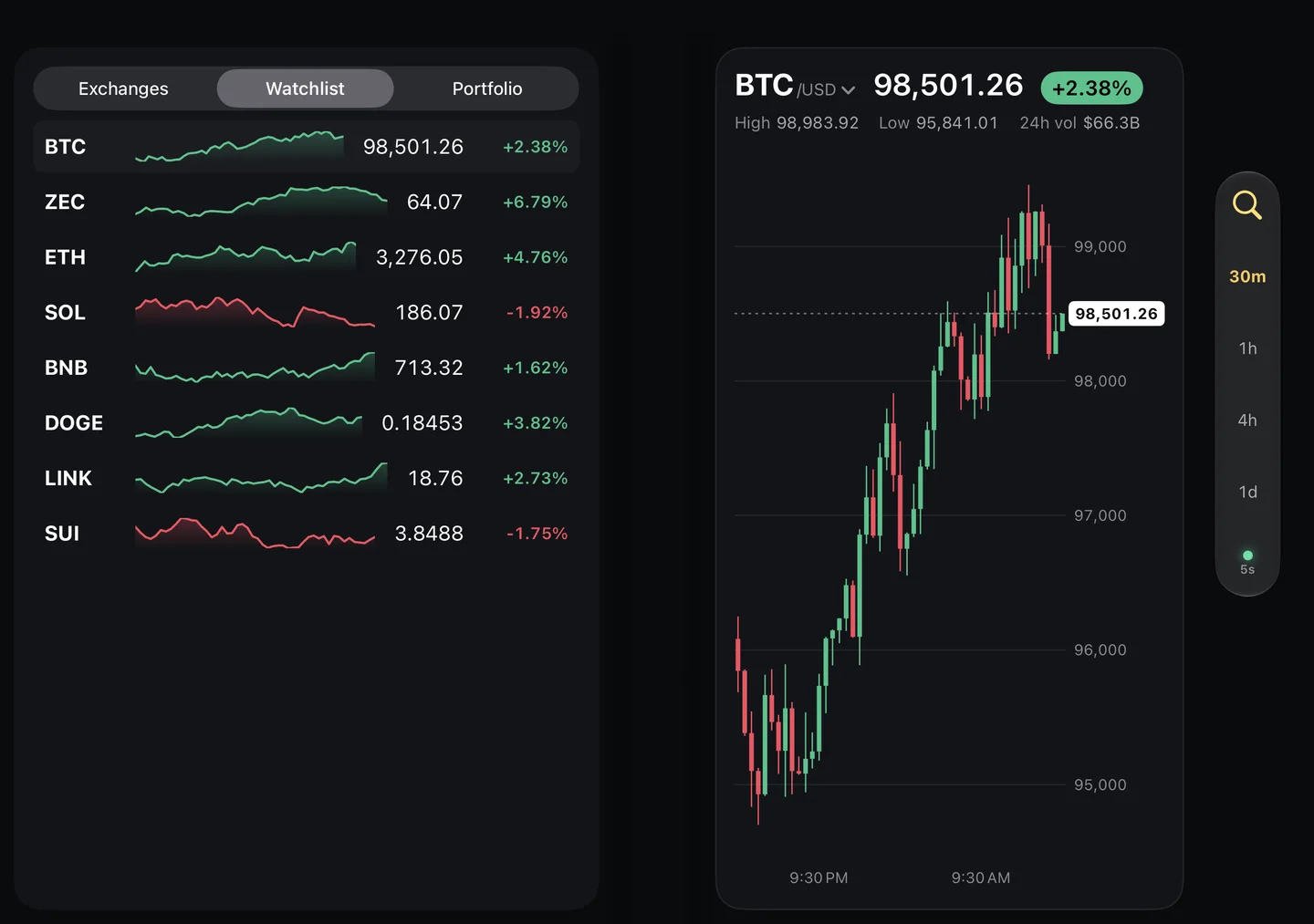
Fold the phone partway with the hinge running up and down, and hold it like a paperback. The fold now splits the inner display into two pages. A well-made app treats them as two pages: a list on one side and the detail on the other, or a chart on one side and its numbers on the other. What it shouldn't do is leave a button sitting in the crease.
Laptop mode: half open on a table
Rotate the phone so the hinge runs across, rest the bottom half on a table and tilt the top half up, like a very small laptop. It's handy for video calls and for anything you watch without holding the phone. The top half works as the screen and the bottom half as the area for controls or extra detail.
Tent mode: standing on its edges
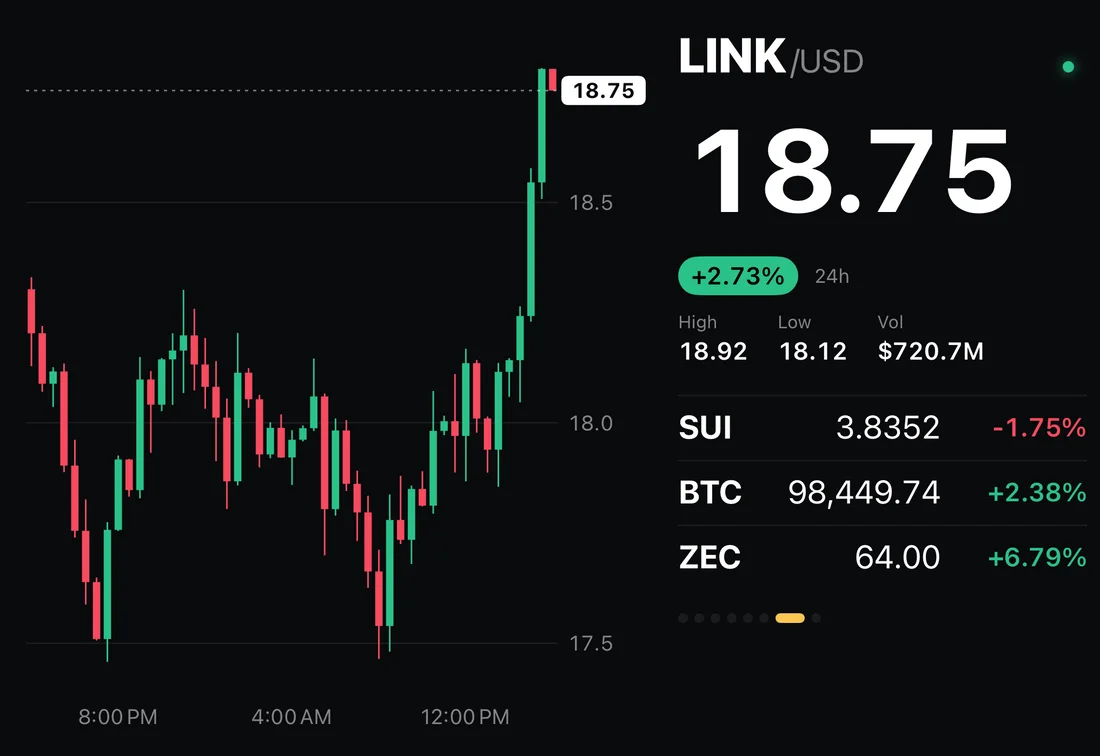
Open the phone partway and stand it on its two edges, like an upside-down V. The cover display faces you and the inner display is folded inward, out of sight. Tent mode is the posture people tend to ask about, because it turns the phone into a small display you can read from across a desk or a kitchen counter without holding anything.
Few apps do anything special in tent mode yet. The ones that do are built for glancing from a distance: big numbers, short lines, content that updates on its own. For an example, see a Bitcoin desk ticker on iPhone Duo.
How an app knows which posture you're in
Apps don't get a single "mode" switch from the system. They read how big their window is, where the fold is when the phone is partially open, and the angle of the hinge, then decide how to lay themselves out. That's why two apps can behave differently in the same posture, and why a good one waits a moment before switching: the hinge passes through tent-like angles every time you open or close the phone.
What Biombo does in each posture
Biombo, a crypto price tracker, gives every posture its own layout. It's one way to see these postures at work:
| Posture | What Biombo shows |
|---|---|
| Closed | Your watchlist and portfolio on the cover display |
| Open flat | One to four candlestick charts, or a market map |
| Book or laptop | A chart on one half; exchanges, 24-hour stats and the watchlist on the other |
| Tent | A desk ticker that cycles through your watchlist |
More in tracking crypto prices on iPhone Duo.
FAQ
What is tent mode on iPhone Duo?
It's the name people use for standing the phone on its edges, partly open, like an upside-down V. The cover display faces you, which makes it good for things you glance at from a distance.
Which display is used in tent mode?
The cover display. The inner display is folded inward, under the roof of the tent.
Is laptop mode the same as book mode?
Both are partially folded. In book mode the hinge runs vertically and you hold the phone like a book. In laptop mode the hinge runs horizontally and the bottom half rests on a surface.
Do apps have to support every posture?
No. Apple's guidance is that apps should resize well and keep the same features in every posture, not that they need a custom layout for each one. Special layouts for tent or book mode are a bonus.
How do I know if an app is optimized for these postures?
Look for the Made for iPhone Duo badge on its App Store page, then try it in each posture. This guide has a one-minute test.
To see all five postures in one app, get Biombo on the App Store.