Biombo: The crypto tracker made for iPhone Duo
A crypto board that unfolds.
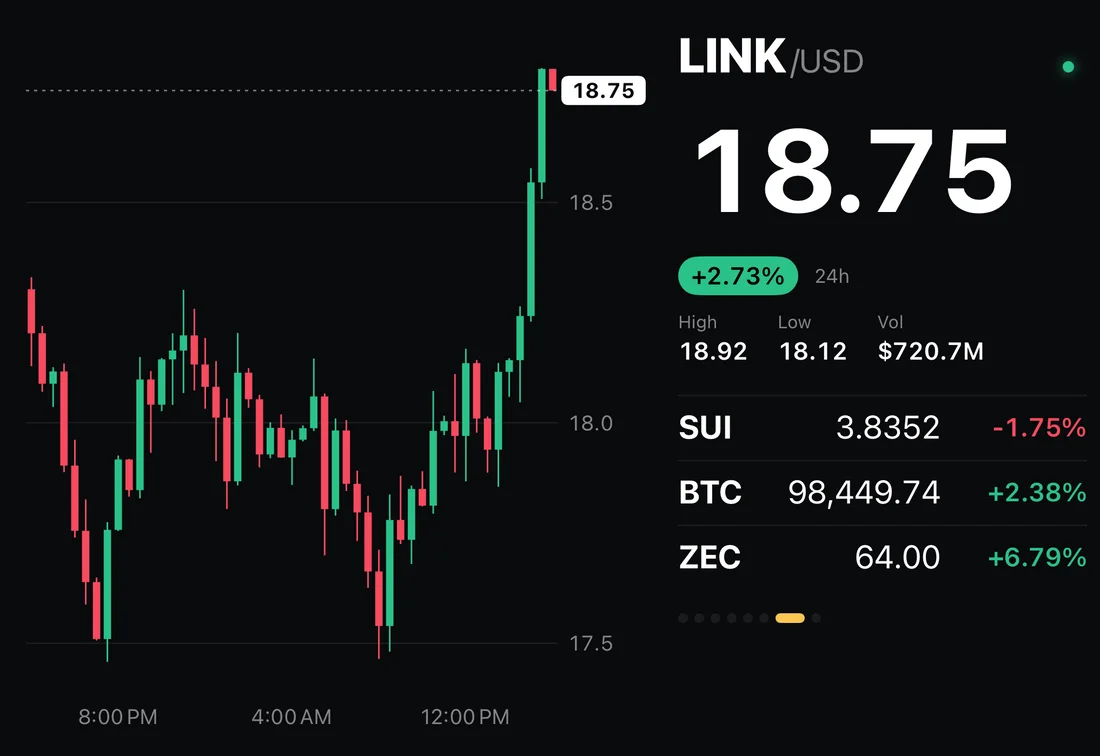
Live prices and candlestick charts for Bitcoin, Ethereum and the top coins, laid out for every way you fold your iPhone Duo. Read-only, no account, nothing to connect.

Paid once. No subscription, no ads, no account.
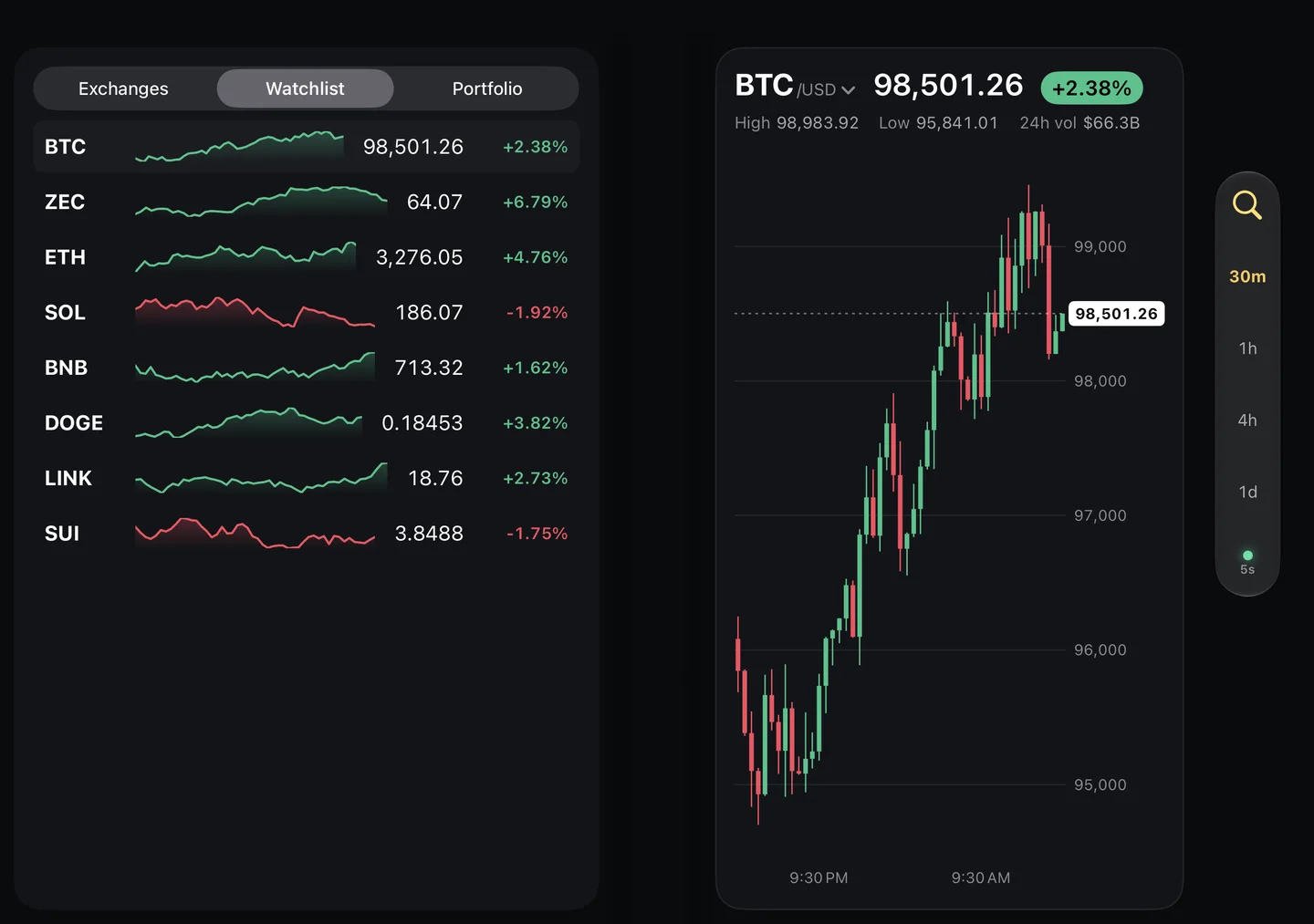
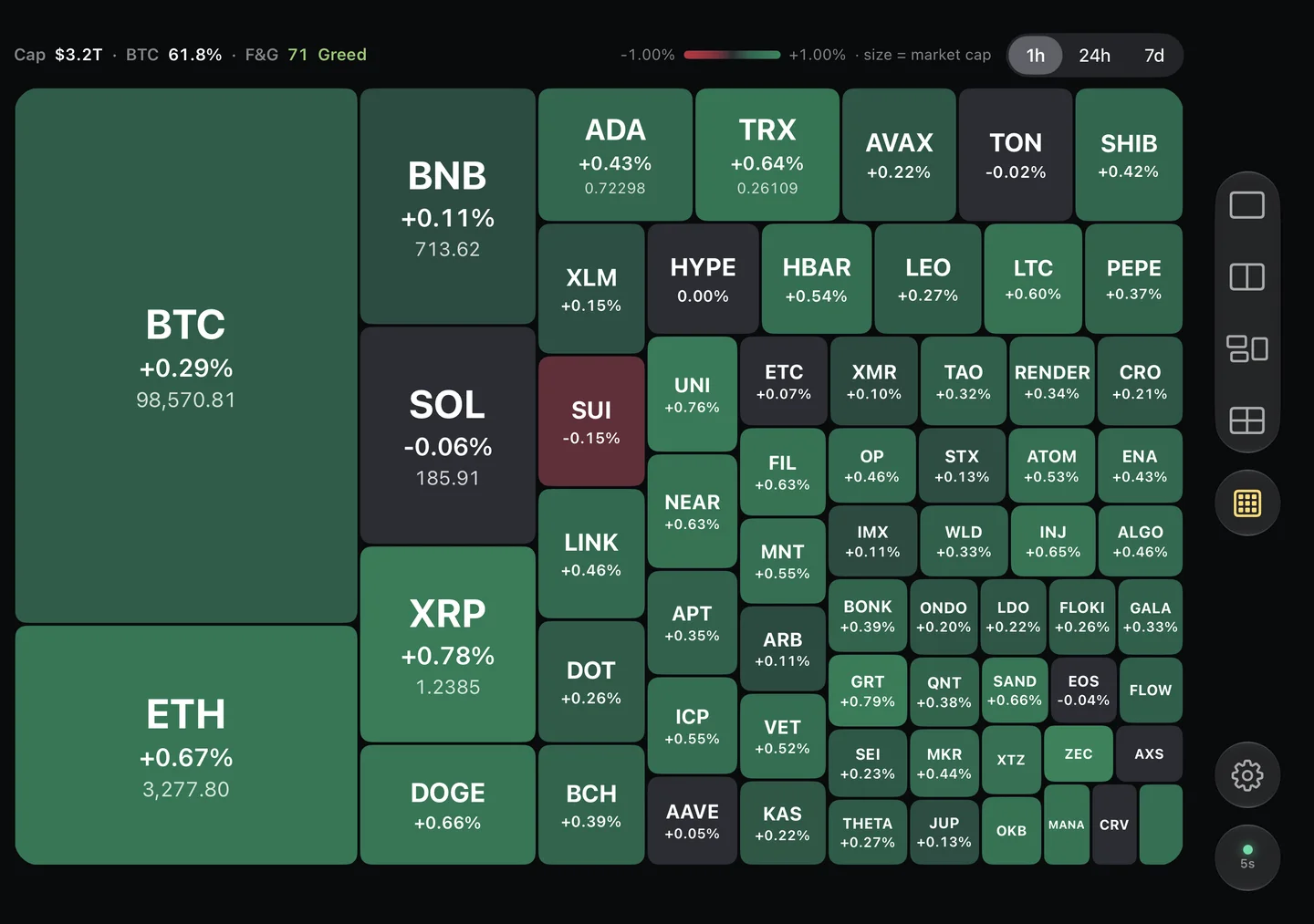
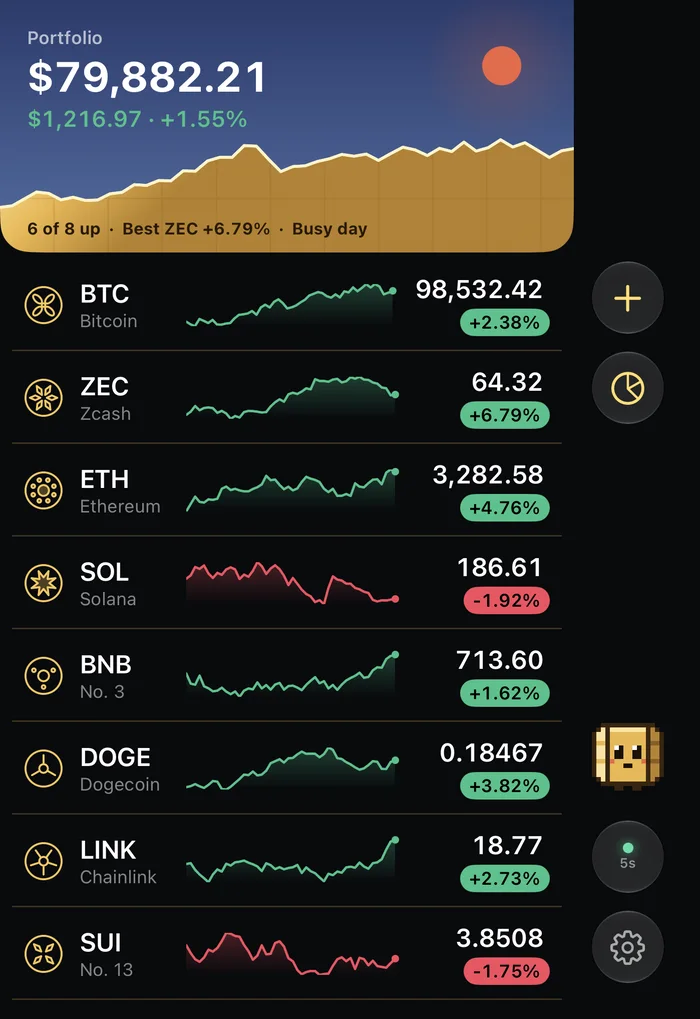
Real Biombo screens.
Optimized for every iPhone Duo posture
Many apps just stretch when you open the iPhone Duo. Biombo changes its layout for each posture and snaps to the fold.
Cover display: your portfolio at a glance
Closed, your watchlist and portfolio fill the cover display, under a sky that follows the time of day.
Laptop and book mode: chart and details
Half-folded, the chart takes one half, and exchanges, 24‑hour stats and your watchlist take the other.
Inner display: up to four charts
Open it flat for one to four candlestick charts side by side, with dividers that snap to the fold, and a market map with the Fear & Greed index.
Tent mode: a crypto ticker for your desk
Stand it up like a tent and the cover display becomes a crypto ticker for your desk, edge to edge.
 See Biombo on DuoworthyThe directory of apps made for iPhone Duo, pose by pose.
A crypto price tracker without the noise
Live data
- Live prices every 15 seconds for Bitcoin, Ethereum, Solana and the top 250 coins by market cap.
- Candlestick charts in 30‑minute, 1‑hour, 4‑hour and 1‑day intervals.
- Prices in US dollars, euros, yen or pounds.
Private by design
- Read-only: no trading, no wallet, no account, no tracking.
- A portfolio that stays on your iPhone and in your iCloud, with a switch to hide amounts in public.
Made with care
- Kinbyō, a pixel-art gold folding screen that reacts to the market and to your taps.
- Every coin gets its own crest, a kamon drawn from its id, instead of a logo.
- In English, Spanish and Japanese, also on iPhone and iPad with iOS 26 or later.
Guides
Short, practical guides on iPhone Duo and on following crypto prices with it.
- Apps Made for iPhone Duo: How to Find Optimized AppsHow to tell if an app is optimized for iPhone Duo: the Made for iPhone Duo badge, what to check on the cover display, and signs an app only stretches.
- Bitcoin Desk Ticker: Turn Your iPhone Duo Into a DisplayHow to get a Bitcoin and crypto price ticker on your desk without buying a gadget: iPhone Duo's tent mode with Biombo, compared with a dedicated ticker display.
- Crypto Tracker for iPhone Duo: Prices Folded or OpenHow to follow Bitcoin and crypto prices on iPhone Duo: a watchlist on the cover display, candlestick charts on the inner display and a desk ticker in tent mode.
- iPhone Duo Postures Explained: Tent, Laptop and Book ModeWhat tent mode, laptop mode, book mode and the cover display are on iPhone Duo, what each posture is good for, and how apps change their layout as you fold.
Questions
- Is Biombo optimized for iPhone Duo?
- Yes. It was designed for iPhone Duo first: it uses the inner display, the cover display and the bar along the side, and changes layout in book, laptop and tent mode.
- Is it a crypto exchange or a wallet?
- No. Biombo only shows market data. You can't buy, sell or connect an exchange, and it never asks for keys.
- Does it work on other iPhones and on iPad?
- Yes, on any iPhone and iPad with iOS 26 or later. The folding layouts show up on iPhone Duo.
- Where does the data come from?
- From a market data provider with a commercial license, through Biombo's own server. The server only learns which coins and intervals to fetch, never your holdings. More in the privacy policy.
- How much does it cost?
- US$9.99 in the United States, paid once, with local prices in other countries. No subscription, no in-app purchases, no ads.
- Where can I get it?
- On the App Store, for iPhone and iPad with iOS 26 or later. Search for Biombo or use the button at the top of this page.